i-AutoRep: Autonomous Reporting Hub
i-AutoRep is a fully automated report scheduling tool. It extracts necessary information from the iNDEQS database by combining filters such as parts, characteristics, and time periods, and automatically generates PDF reports at user-defined intervals (e.g., daily or weekly).
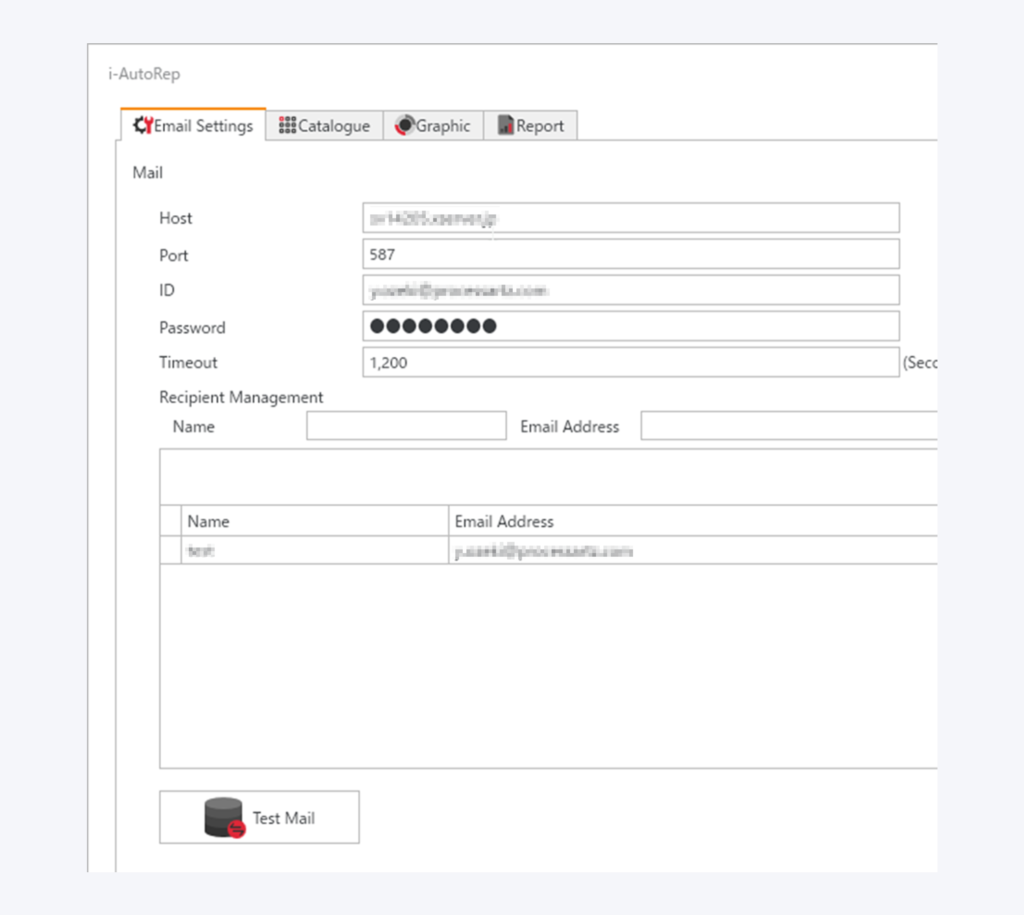
Generated reports are automatically sent to registered email addresses.
In addition to automating daily and weekly reports, you can schedule generation to coincide with shift changes, allowing the reports to serve as hand-over materials for quality status to the next shift. Since you can review the summary directly via email, you can stay updated on periodic reports even while on the go.
Simple Template Design: Just Select Items and Sizes
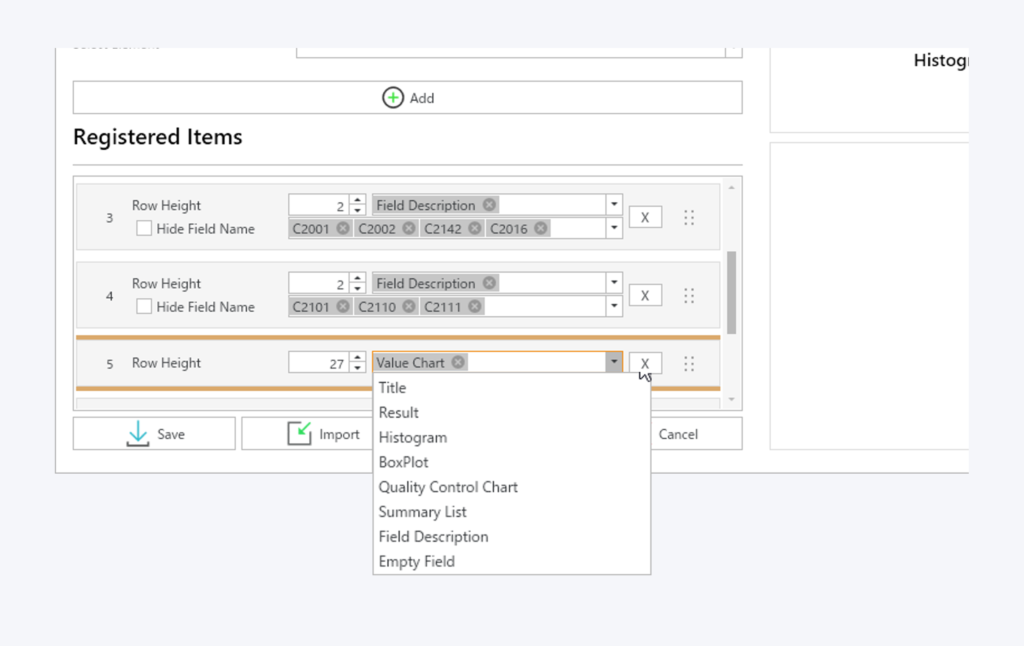
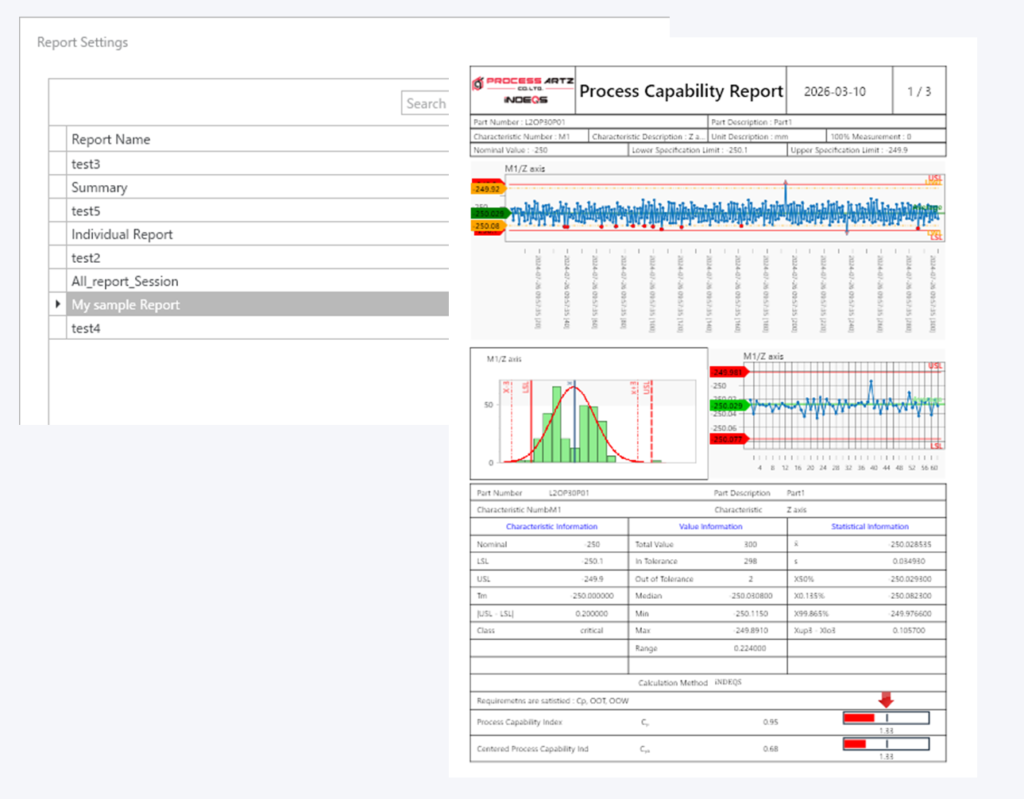
Designing a report is simple: just select the graphs or display items currently shown in i-Analyzer and determine their size.
You can save multiple report templates, allowing you to use the most suitable layout for each specific purpose.
The tool enables you to design multi-section reports that combine detailed reports for each characteristic—such as control charts—with summary reports like process capability (Cp/Cpk) lists.
High Flexibility in Data Extraction and Frequency Settings
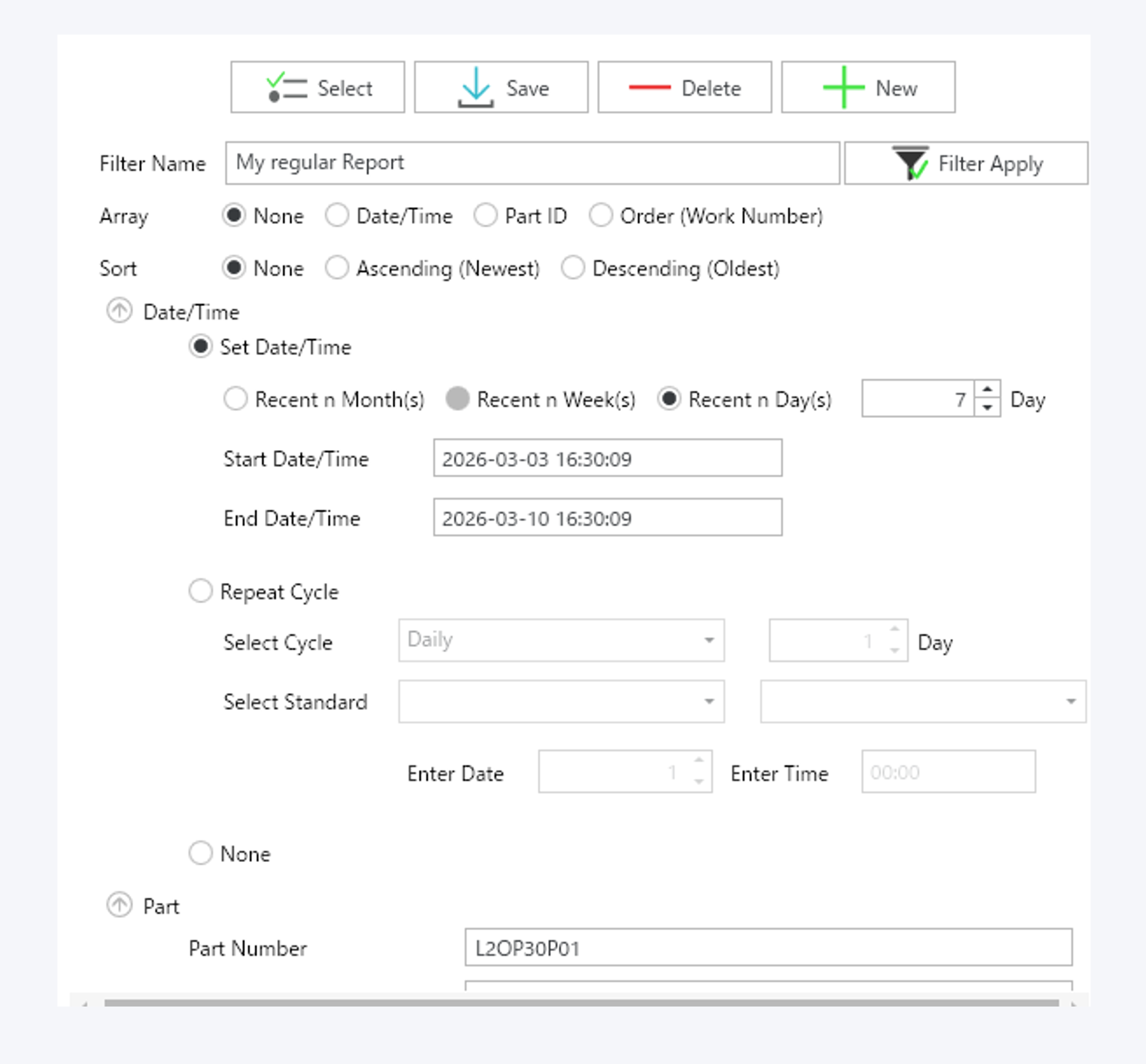
Equipped with versatile filtering capabilities, i-AutoRep allows you to control output frequency for daily or monthly reports and use filters that automatically select aggregate data periods or part types.
Even if databases are separated by process or production line, i-AutoRep offers high flexibility, such as extracting a full day’s worth of data from multiple databases and compiling them into a single daily report.
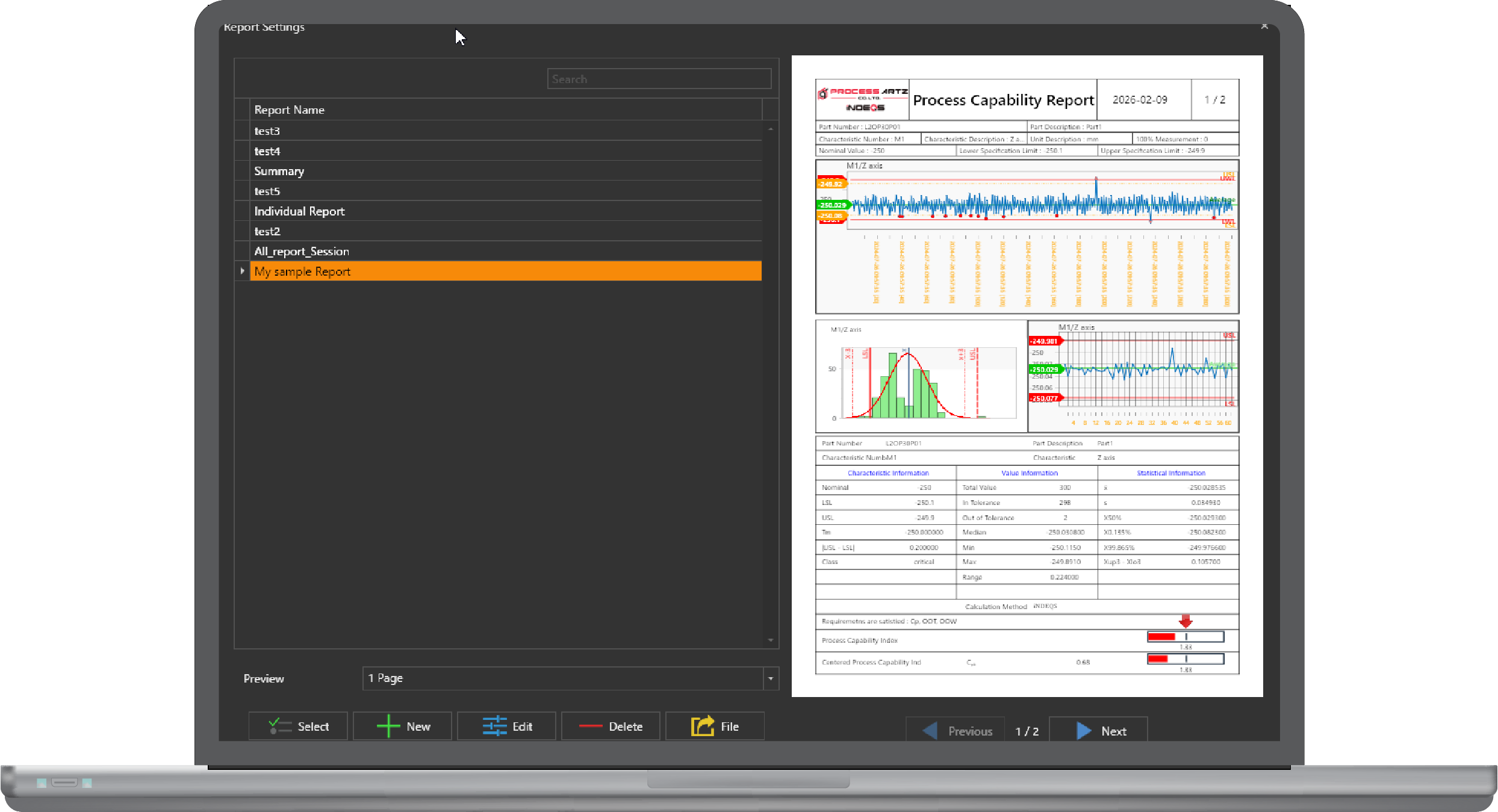
Report Preview Function
Templates can be previewed with actual data applied. This allows you to check and adjust the layout and color scheme before the final output.
Email Distribution Function
Reports created by i-AutoRep are automatically distributed to designated email addresses. Even without access to the iNDEQS environment, you can receive regular PDF reports from the system via email. This feature is particularly useful for checking summaries via PDF during routine operations and logging into iNDEQS for detailed analysis only when an issue is detected.